
Menu emails and phone alerts that bring customers back.
The menu you built for your shop goes out by email from your own address, and to phones as an alert from your shop’s app. You write one subject line. The products, photos, prices and deals are already there.


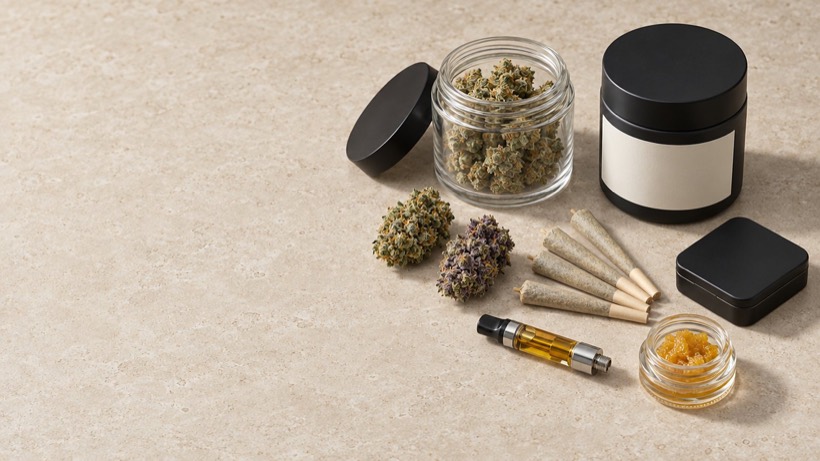



Stop retyping the menu into a group text.
Telling customers what is in this week usually means typing the menu out again, into a text from a personal phone or into a separate email tool with a copied list. By Friday it is wrong. Marketing does not have a menu of its own to get wrong. It sends the one your shop is already selling from.
Is Cultivar one product or four?
One system with four parts. This is the part that brings customers back. It reads the menu from your shop and the customers from your one list.
Can I run only this part?
It sends your shop’s weekly menu to your shop’s customers, so it works with the shop and the back office, not on its own.
How does my existing customer list get in?
Your customers are loaded with the rest of your data. Only those who have said yes to marketing email are sent one, so tell us who agreed and where. New customers tick a box when they sign up in your shop.
The email builds itself from the menu.
Pick this week’s menu and the email is made: your logo, the lead picture, each product with its photo and price, and every deal exactly as the shop shows it. You write the subject line and a sentence of your own. Send yourself a test, then send it now or set a time.
- Prices and deals come from the menu, so the email cannot disagree with the shop
- Each product links to its page in your shop
- Copy last week’s email and point it at this week’s menu
The menu has to be live in your shop by the time the email goes. If it is not, the email waits rather than send customers to a menu they cannot see.
Sent to the customer list you choose, and only to people who said yes.
Start from every customer who agreed to hear from you, then narrow it: retail customers only, wholesale only, or everyone except the names you take out. The count updates as you choose, so you know how many people will get it before you press send.
- Only customers who agreed to marketing email are ever included
- Every email has an unsubscribe link that never stops working
- One click to unsubscribe from the inbox, and the customer is off the list
Drafting an email and sending one are separate permissions. A member of staff can build Friday’s email; you decide who is allowed to send it.
An alert on their phone, from your shop’s app.
A customer who has added your shop to their home screen can let it send alerts. When the week’s menu goes live, their phone tells them, with your shop’s name and icon on it. These are notifications from your shop, the same kind any app sends. They are not text messages, and they do not use a phone number.
- “This week’s menu is live”, sent when the menu starts
- “Back in stock” for a product they asked about
- The customer chooses which alerts they want
See who opened it, and what they ordered.
Each email shows how many were delivered, opened and clicked, which addresses bounced and who unsubscribed, person by person. And because an order remembers the menu item it came from, a sale made from the week’s menu is tied to that menu, not guessed at.
- Delivered, opened, clicked, bounced, unsubscribed
- A complaint is treated as an unsubscribe
- Orders carry the menu and the deal they were sold on
Ten minutes on a Thursday.
Your manager finishes next week’s menu at the desk, opens a new email, picks the menu, writes a subject line and sets it for Monday at nine. On Monday the menu goes live in the shop, the email goes out and phones light up, with nobody at the desk.
One menu, one customer list, one price.
Marketing owns nothing. It sends what the other parts already know, which is why it cannot be out of date.
The menu is your shop’s.
Products, photos, prices and deals come from the weekly menu.
Explore StorefrontThe list is your back office’s.
The same customers who order are the customers you email. An email cannot offer what the count says is gone.
Explore OperationsOrder updates ride the same rails.
“On the way” and “delivered” reach the customer by email and phone alert without anyone sending them.
Explore DeliveryQuestions owners ask.
Can I send text messages?
No. US phone carriers do not allow cannabis marketing by text, so Cultivar does not send it. It sends email, and alerts from your shop’s app to customers who have it on their home screen.
Who can I email?
Customers who agreed to marketing email, either by ticking the box when they signed up in your shop or because your staff recorded their agreement. Nobody else is ever included.
Whose address does it come from?
Yours: your shop’s name and your own address, such as hello@yourshop.com. Replies come to you.
Can I design my own email?
You choose the menu, the subject line, your opening words and the lead picture. The layout is built for you from the menu. There is no drag-and-drop designer.
Can I send something that is not the weekly menu?
Every email is built from a menu. For a one-off, such as a new arrival, make a short menu with just those products and send that.
Do order updates count as marketing?
No. “Order received”, “on the way” and “delivered” are sent to every customer with an order, carry no offers, and are not affected by unsubscribing from menu emails.

See this week’s menu become this week’s email.
Send us your menu and we build the shop page, the email and the phone alert from it while you watch.
- You send this.
- We load your products and what is on the shelf.
- Thirty minutes: one order, from supplier to door.
See pricingOne flat fee per location. $0 per order.